The best wedding guest photos are usually not the ones you think to ask for.
They are the blurry-but-perfect dance floor clips, the grandparents laughing during cocktail hour, the table selfies, the getting-ready chaos, the private jokes, and the tiny in-between moments your photographer cannot be everywhere to catch.
The hard part is collecting them before they disappear into camera rolls.
Wedding workflow
Make uploading part of the celebration, not homework after it
Scan
Guests open the album from a table card, invite, or venue screen.
Upload
Photos and videos go straight from their browser into your event gallery.
Relive
The couple or planner reviews, exports, and shares the final collection.
The simple plan
If you want more guest photos, do not wait until the next morning to ask.
Use this timeline instead:
- Before the wedding: create the album and test the upload link.
- Ceremony day: place QR codes where guests naturally pause.
- Reception: ask the MC or DJ to mention the gallery once.
- After the event: send one follow-up reminder with the same link.
- Final delivery: review, organize, and share the polished gallery.
The goal is not to nag guests. The goal is to remove friction at the exact moment they are already taking photos.
Where to place QR codes
QR placement matters more than most couples expect.
Good locations:
- Welcome table.
- Bar menu.
- Dinner table cards.
- Photo booth area.
- Bathroom mirror sign.
- Venue screen during cocktail hour.
- Thank-you card or post-wedding message.
Avoid placing the only QR code at the ceremony entrance. Guests may be moving quickly, holding programs, or trying not to block the aisle. Put the code where they have a few seconds to scan.
What your sign should say
Do not write a paragraph. Guests will not read it.
Use simple copy like:
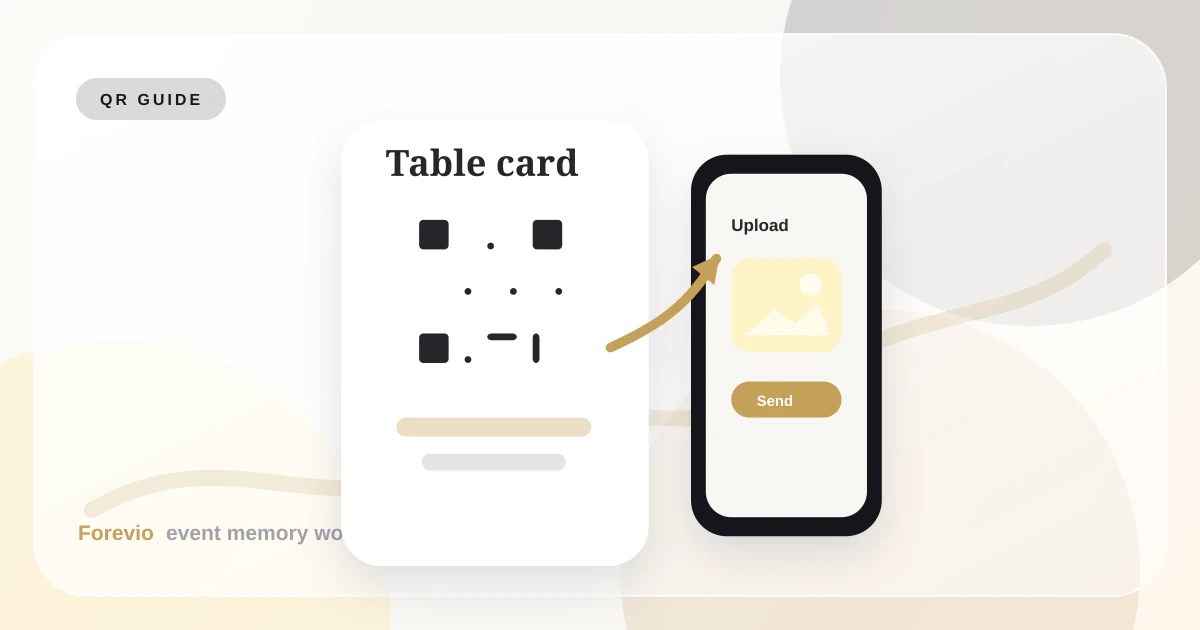
Table card
Alex & Sam
Share your photos
Scan to upload your favorite moments. No app needed.
forevio.app/alex-sam
Perfect for dinner tables and bars
Welcome sign
Alex & Sam
Help us build our guest album
Scan, upload, and add your candids to our private gallery.
forevio.app/alex-sam
Best near the entrance or gift table
Late-night prompt
Alex & Sam
Caught a great moment?
Scan here and send it to the couple in full quality.
forevio.app/alex-sam
Useful near photo booths or dance floors
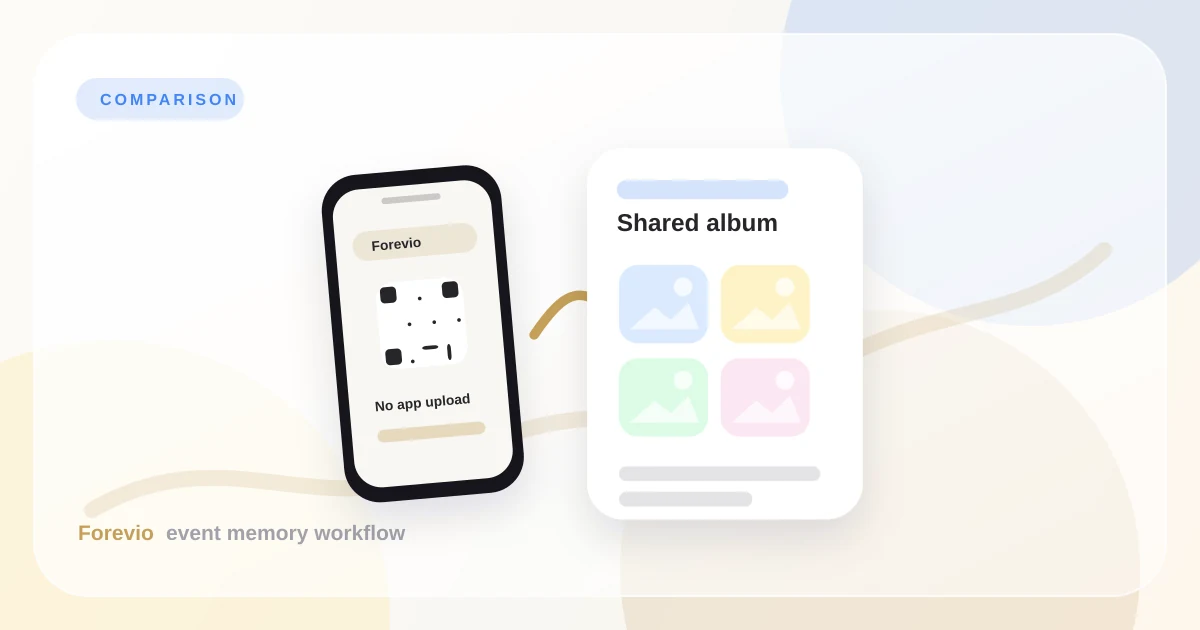
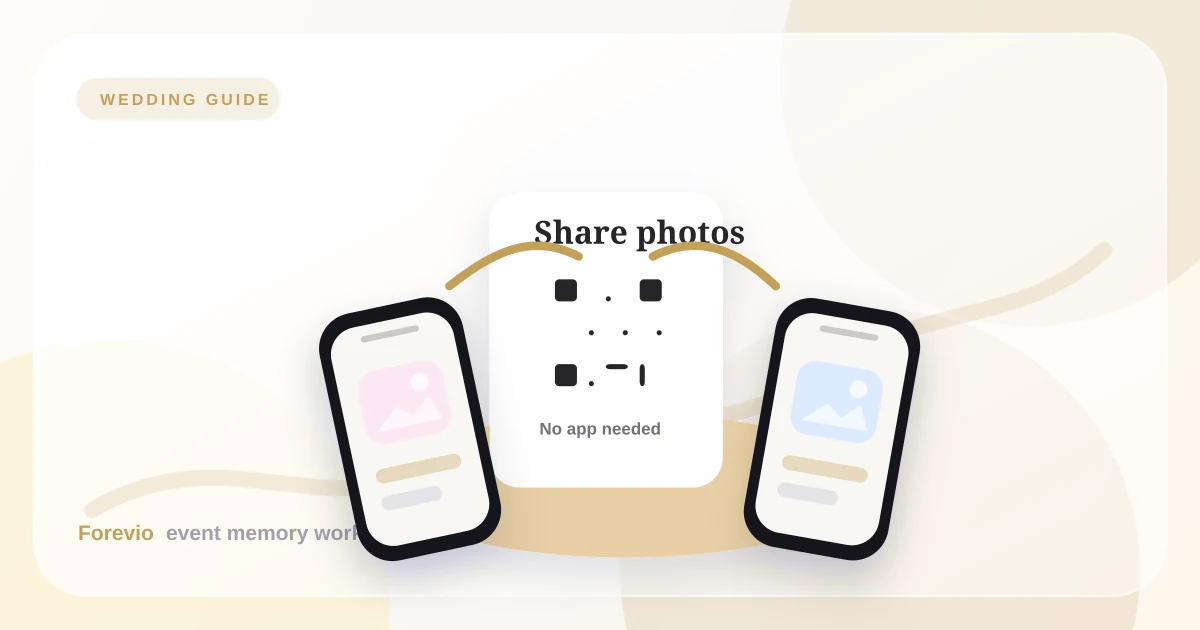
The phrase "No app needed" is important. It answers the hesitation before guests have it.
The 3-touch reminder plan
Most couples under-ask once and over-chase later. A better approach is three simple touches:
- Mention the upload gallery in the wedding website or welcome message.
- Show the QR code during the reception when guests are already taking photos.
- Send one next-day reminder with the same upload link.
Each reminder should point to the same place. If one guest sees a table card, another sees a WhatsApp message, and another sees the thank-you note, they should all land in the same private gallery.
Who should own it on the day
Do not make the couple manage uploads during the wedding.
Assign the gallery to someone who is already close to the flow of the event:
- A planner or coordinator.
- A trusted wedding party member.
- A sibling or cousin who knows the guest list.
- A venue or media assistant if the event has one.
That person does not need to edit photos. They just need to test the QR code, answer simple guest questions, and keep an eye on moderation if uploads appear live.
How to get more uploads during the reception
One announcement can double participation.
Ask your MC or DJ to say something like:
"The couple would love to see the night from your point of view. Scan the QR code on your table and upload your favorite photos. It takes a few seconds and no app is required."
Then make the gallery visible. If you are using a live slideshow, show a few approved photos on a screen. When guests see uploads appearing, they understand the loop and join in.
Moderation keeps the gallery safe
Guest photos are candid. That is the charm. It is also why moderation matters.
You may want to hide:
- Duplicate shots.
- Accidental screenshots.
- Unflattering dance floor photos.
- Private family moments.
- Anything that should not appear on a live screen.
A private gallery with review controls lets you collect freely without turning the event display into a free-for-all.
Final checklist
Before the wedding, confirm:
- The QR code opens correctly on iPhone and Android.
- Guests can upload without an account.
- The sign copy is short and readable.
- Someone is responsible for moderation.
- The final export path is clear.
- The couple knows where the gallery link lives after the event.
Takeaway
The best way to collect wedding guest photos is to make the upload feel effortless in the moment.
A shared album link sent after the fact depends on memory and motivation. A QR code at the reception catches guests when they are already participating. That is why Forevio is built around no-app uploads, private galleries, moderation, and a final archive couples can actually enjoy.
Related reads: Wedding QR code photo upload guide, Why every wedding needs a collaborative album, and Forevio vs. Google Photos.
Quick answers
Frequently asked questions
What is the easiest way to collect wedding guest photos?
The easiest approach is to create one private upload gallery, place QR codes where guests naturally pause, mention the gallery once during the reception, and send the same link again after the wedding.
When should we ask guests to upload photos?
Ask before the event for awareness, during the reception when guests are already taking photos, and once the next day for late uploads. Waiting until days later usually reduces participation.
Should wedding guest photos be moderated?
Yes, especially if photos appear in a live slideshow or public gallery. Moderation lets guests upload freely while keeping duplicates, accidental screenshots, and private moments out of the final experience.