Google Photos is excellent for personal libraries. It is familiar, it supports shared albums, and it gives album owners useful privacy controls. If your wedding party already uses Google accounts every day, it can be a workable way to share a folder.
But wedding guest photo collection is a different job. You are not just sharing photos with five friends after brunch. You are trying to collect hundreds or thousands of files from people across age groups, devices, attention spans, and privacy preferences.
That is where a dedicated event photo sharing workflow starts to matter.
Decision guide
Google Photos is a library. Forevio is an event collection flow.
Quick verdict
Use Google Photos if you want a simple shared album for a small group that already knows how to use Google Photos.
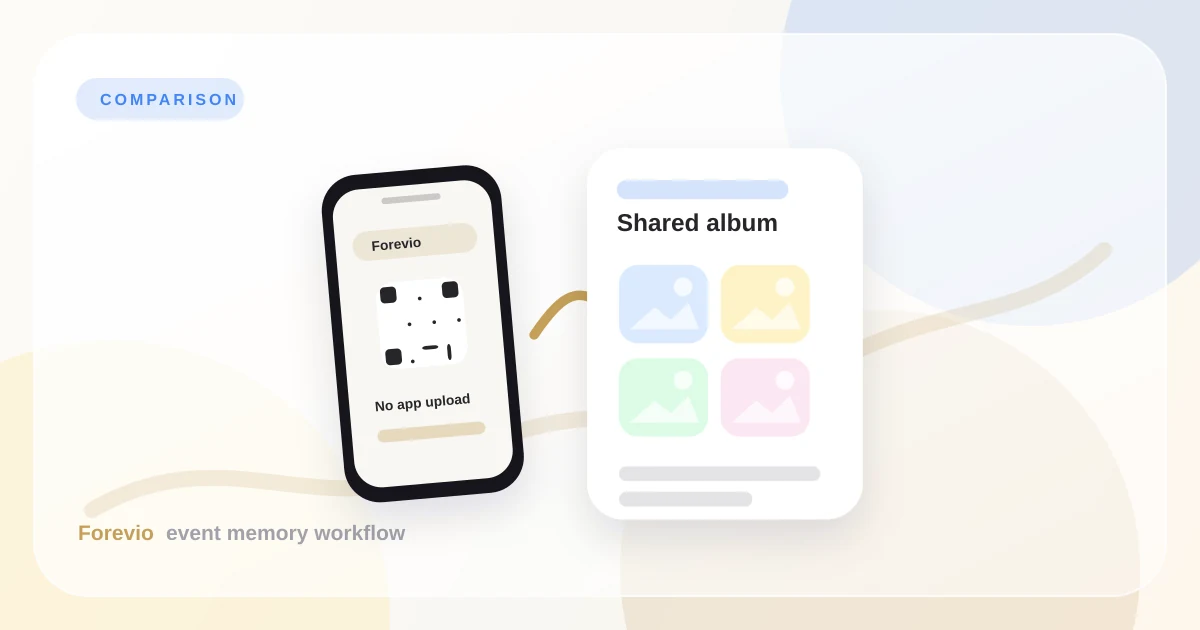
Use Forevio if you want a wedding-specific flow: QR cards, no app download for guests, a private event gallery, moderation, high-resolution collection, and a more elegant final archive.
Where Google Photos works well
Google Photos shared albums are strong for everyday sharing. You can invite people directly, share links, allow others to add photos, and manage album access. For family trips or a small engagement dinner, that can be enough.
The problem appears when the guest list gets bigger.
At a 120-person wedding, your guests are not thinking like album collaborators. They are dancing, eating, greeting relatives, wrangling kids, and checking rides home. If uploading requires them to understand album permissions, find the right shared link, remember to contribute later, or log in at the wrong moment, participation drops.
Where Forevio is built differently
Forevio starts with the moment guests are most likely to act: while they are physically at the event.
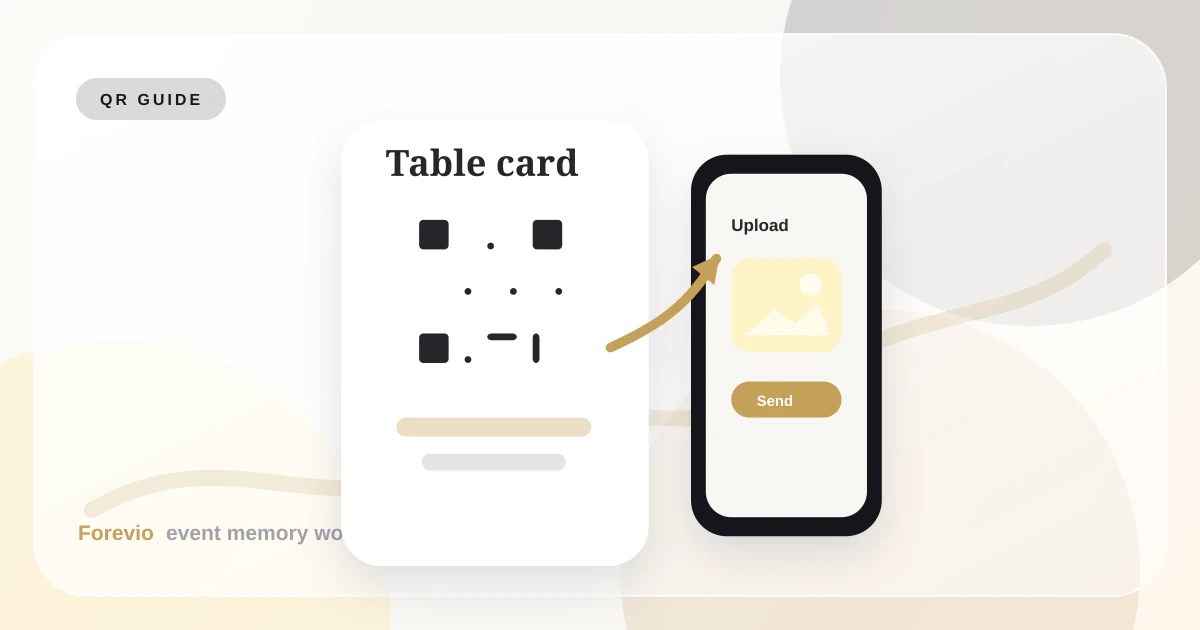
Instead of asking them to join an album later, you put a QR code on a welcome sign, bar card, dinner table, or live slideshow screen. Guests scan, upload from their browser, and return to the party.
That tiny change turns photo collection from a post-event errand into part of the event experience.
The practical wedding example
Imagine a three-part wedding weekend:
- Friday welcome dinner with 40 close guests.
- Saturday ceremony and reception with 160 guests.
- Sunday brunch with 65 guests.
With a general Google Photos album, you might create one shared album and send the link in a group chat. That can work, but the album quickly becomes a mixed bucket. You still need to remind people, sort files, and decide what belongs in the final collection.
With Forevio, you can make the flow feel intentional:
- One QR card near the welcome table.
- One QR card on reception tables.
- A live prompt from the MC after dinner.
- Moderation before anything appears in a public slideshow.
- A final gallery that feels like part of the wedding brand.
What to compare before choosing
Ask these questions before you pick a tool:
- Will guests upload without downloading an app?
- Can older relatives participate without account confusion?
- Can we print a QR code that feels event-ready?
- Can someone approve uploads before a live display?
- Will the final gallery look polished enough to send to family?
- Can we export original-quality files after the event?
If your answer is "not really" to several of those, a shared album may be too generic for your event.
Feature-by-feature decision guide
Choose Google Photos when the event is small, everyone is already comfortable with Google, and the album is mostly for informal sharing.
Choose Forevio when the event needs:
- Printed QR cards that feel intentional at the venue.
- A no-app upload path for mixed-age guest lists.
- Moderation before photos appear on a screen.
- A gallery experience that looks ready to share after the wedding.
- A cleaner archive for downloading original guest uploads.
The important distinction is the starting point. Google Photos starts with storage. Forevio starts with guest behavior at the event.
Takeaway
Google Photos is a good photo library. Forevio is a guest photo collection system.
For small groups, Google Photos may be enough. For weddings, private event galleries, and moments where you want guests to actually contribute while the celebration is happening, Forevio gives the collection process a cleaner path.
Related reads: How to collect wedding guest photos, Wedding QR code photo upload guide, and Forevio vs. WhatsApp.
Quick answers
Frequently asked questions
Is Google Photos enough for wedding guest photo collection?
Google Photos can work for a small group that already uses Google accounts, but it is less ideal when you need QR uploads, no-app guest access, moderation, and a polished final wedding gallery.
Why use a wedding photo platform instead of a shared album?
A wedding photo platform is built around guest participation at the event. It gives guests a simple upload flow, gives hosts review controls, and keeps the final gallery organized for delivery after the wedding.
Can guests upload full-quality photos with Forevio?
Forevio is designed for high-quality event photo collection so couples can preserve guest photos for viewing, downloading, and printing instead of relying on compressed social posts.