WhatsApp is the easiest place to ask guests for photos. It is already on most phones, people know how to use it, and a wedding group chat can feel lively during the event.
That does not make it a good photo archive.
A chat thread is designed for conversation. Event memories need structure: original files, guest attribution, review controls, gallery presentation, and a clean export after the party ends.
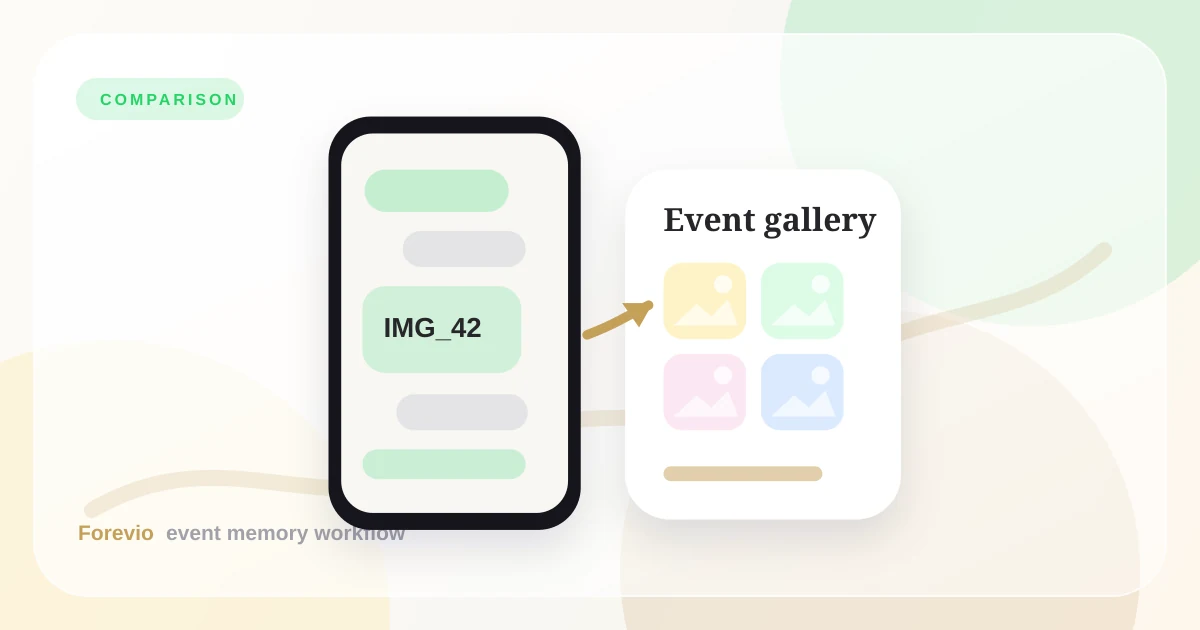
Chat vs. gallery
A chat thread is not a final wedding gallery
Quick verdict
Use WhatsApp when you want quick reactions, casual updates, and small batches of photos from close friends.
Use Forevio when the photos need to become a usable event gallery: searchable, private, high quality, moderated, and ready to deliver.
The WhatsApp problem
The issue is not that guests refuse to send photos. The issue is that the photos arrive in the wrong shape.
They land between logistics messages, voice notes, jokes, dinner-table screenshots, and random follow-ups. By the next morning, someone has to scroll, download, rename, deduplicate, and move everything somewhere safer.
At a small birthday dinner, that is annoying. At a wedding, it becomes a weekend project.
What happens in a real event group chat
Here is a common pattern:
- 15 guests send photos during cocktail hour.
- 40 messages bury those files before dinner.
- Someone posts a video, but others cannot find it later.
- Guests keep asking, "Where should I send the good ones?"
- The couple wakes up to hundreds of messages and no organized gallery.
Even if every guest means well, the system creates cleanup work.
Where Forevio changes the behavior
Forevio separates collection from conversation.
Guests still get a familiar phone experience, but they are not posting into a chat. They scan a QR code, upload directly to the event gallery, and the files land where they belong.
That means the host can:
- Review uploads before they appear in a slideshow.
- Keep files organized by event.
- Preserve a more reliable archive.
- Share one polished gallery link after the celebration.
- Avoid asking guests to resend files later.
When WhatsApp is still useful
You do not need to abandon the group chat completely. WhatsApp is useful for reminders.
Try this flow:
- Use WhatsApp to remind guests that the gallery exists.
- Share the Forevio upload link in the chat.
- Put QR codes at the venue for in-person uploading.
- Keep the chat for conversation, not file storage.
That gives you the best of both worlds: easy communication and clean photo collection.
A better message to send in WhatsApp
If you already have a wedding or event group chat, use it as a pointer instead of a storage bucket.
Send something short:
Please upload your favorite photos here: [gallery link]
No app needed. This keeps everything in one private album for the couple.
That message changes the behavior. Guests still get the familiar nudge inside WhatsApp, but the photos land in a gallery built for review, export, and sharing.
Takeaway
WhatsApp is a messenger. Forevio is an event memory workflow.
If all you need is a few casual snapshots, a chat may be enough. If you want to collect, moderate, preserve, and deliver guest photos without a post-event scavenger hunt, Forevio is the calmer choice.
Related reads: Stop chasing photos, Forevio vs. Google Photos, and Forevio vs. wedding hashtags.
Quick answers
Frequently asked questions
Why not collect event photos in a WhatsApp group?
WhatsApp is useful for conversation, but event photos get buried in chat threads, mixed with messages, and are harder to review, organize, and deliver as a finished gallery.
Do guests need to download an app to upload to Forevio?
No. Forevio is built around browser-based guest uploads, so guests can scan a QR code, choose photos from their phone, and return to the event.
Is WhatsApp better for small informal events?
For a tiny group of close friends, WhatsApp may be enough. For weddings, brand events, and larger guest lists, a dedicated gallery keeps participation and final delivery cleaner.