For event planners, guest photo sharing is not just a cute add-on. It is a client experience touchpoint.
A messy upload process becomes another thing the planner has to chase. A polished process makes the planner look organized, modern, and thoughtful.
The difference is workflow.
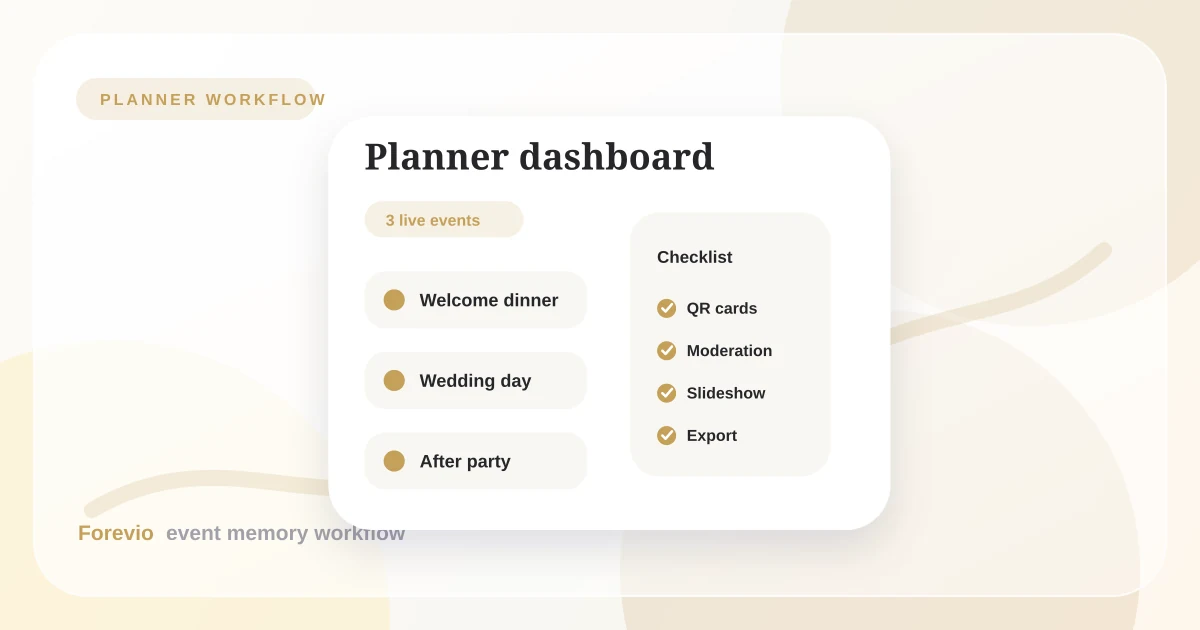
Planner workflow
Turn guest uploads into a repeatable service
Events
3 live galleries
Delivery checklist
What clients actually want
Clients rarely ask for "a guest-generated content pipeline." They ask for something more emotional:
- "Can we see the photos our friends took?"
- "Can we collect everything in one place?"
- "Can we show photos on the screen tonight?"
- "Can we get the originals afterward?"
- "Can we avoid another group chat?"
A planner can turn those needs into a simple package.
The planner-ready workflow
Use this structure for weddings, corporate parties, milestone birthdays, and private events:
- Create the gallery before the event.
- Add the upload link to the final run-of-show notes.
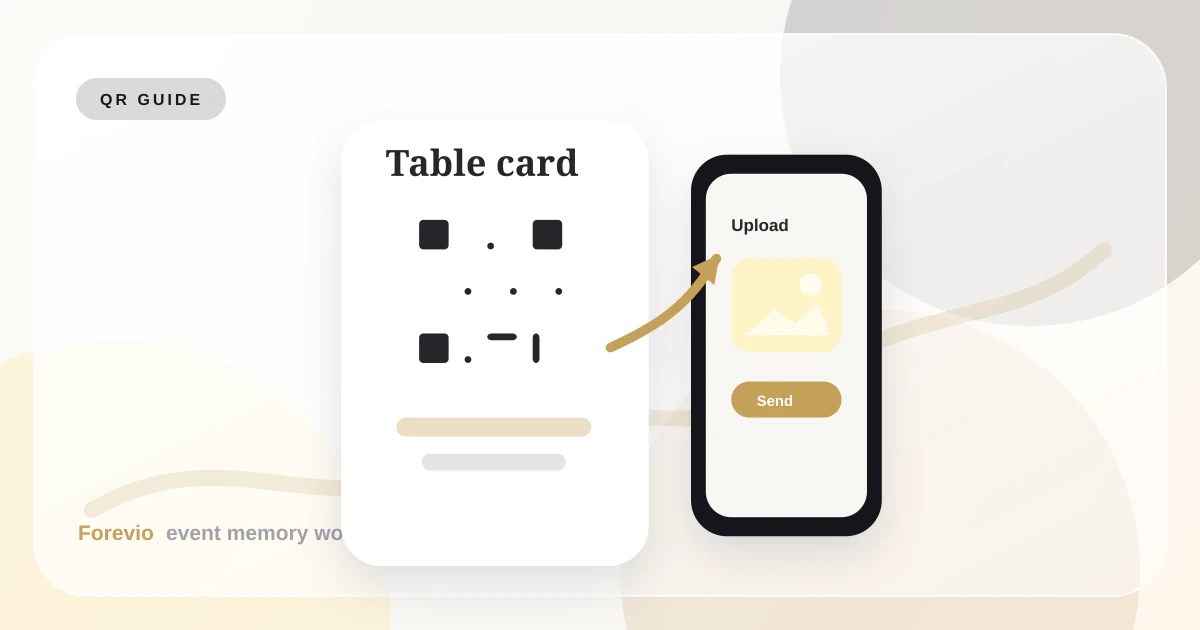
- Print QR cards or signage that matches the event design.
- Assign one person to moderate uploads during key moments.
- Display approved photos on a live screen if the event calls for it.
- Export or deliver the final collection after the event.
This keeps photo collection from becoming a last-minute favor.
Where this helps planners stand out
Guest photos are an easy value-add because they solve a problem clients already feel.
A professional photographer captures the official story. Guests capture the social story. Planners who help collect both are giving clients a more complete memory set.
This is especially valuable for:
- Luxury weddings with multi-day itineraries.
- Corporate retreats where teams want candid moments.
- Brand launches where social energy matters.
- Family celebrations with guests across generations.
- Destination events where everyone is already taking phone photos.
How to position it to clients
Keep the language simple.
Try:
"We can add a private guest photo gallery so your guests can upload candids during the event. It uses QR codes, does not require an app, and gives you a cleaner collection after the celebration."
That is easier to understand than explaining storage, upload permissions, or moderation tooling.
Moderation is the premium layer
For planner-managed events, moderation is not optional. It protects the client and the mood of the room.
Moderation helps you avoid:
- Duplicate uploads on the live screen.
- Screenshots or accidental images.
- Unflattering photos during formal moments.
- Private images that should stay out of the shared gallery.
- Brand-sensitive content at corporate events.
Client protection
Moderation turns guest photos into a controlled experience
Review queue
32 new uploads
Controls
Takeaway
Event photo sharing works best when it is planned like any other guest touchpoint.
For planners, Forevio can become a repeatable workflow: set up the gallery, place QR codes, moderate uploads, run the slideshow, and hand over a clean post-event archive. That is a much better client experience than asking everyone to text photos after the party.
Related reads: Wedding QR code photo upload guide, How to collect wedding guest photos, and Building Forevio in public.